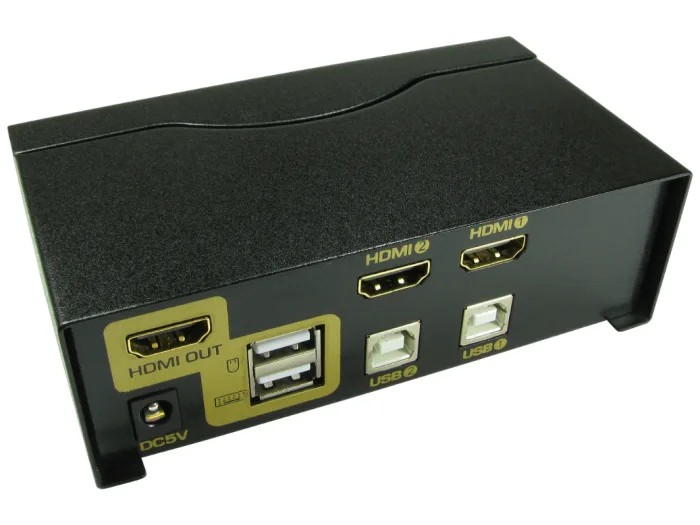
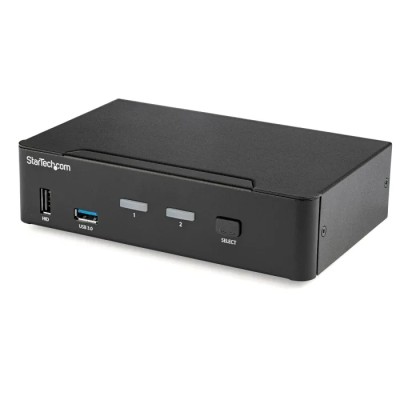
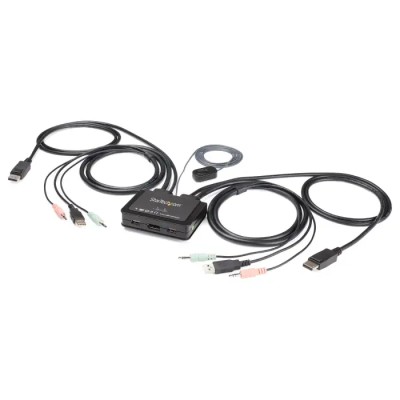
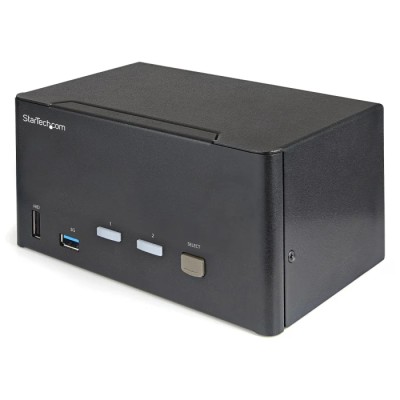
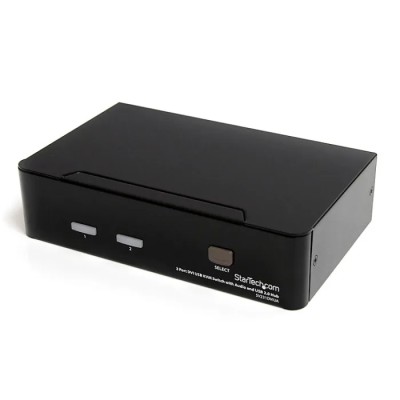
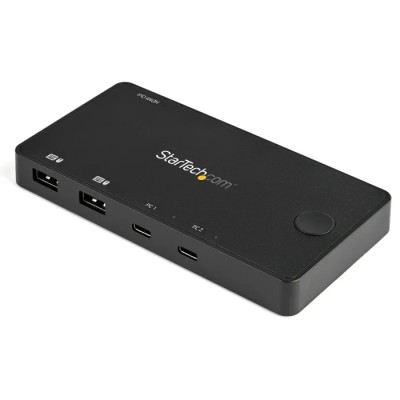
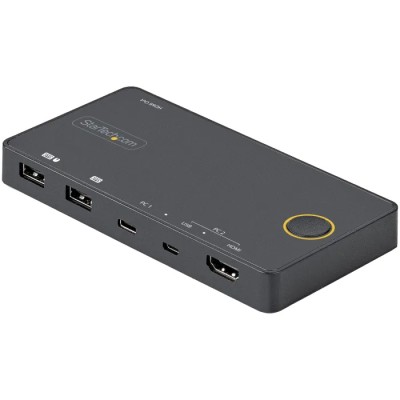
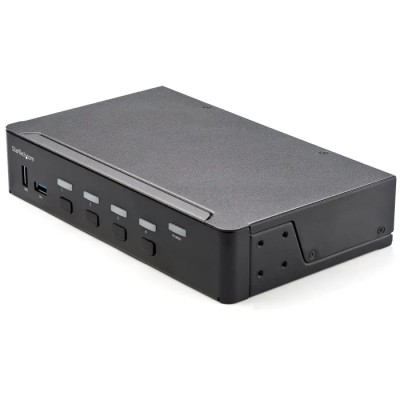
NewLink NLKVMHDMI-2 is a professional-grade HDMI switch designed for controlling two HDMI-enabled computers via one USB console including keyboard, video monitor, and mouse. It supports resolutions up to 1920 x 1200 pixels, providing clear and high-quality visuals for multimedia and computer control applications.
This HDMI switch features multiple switch modes including a front panel button switch, keyboard hot-key switch, and mouse switch with cyclic auto-scanning, offering versatile control options for users. It is compatible with major operating systems such as Windows, Linux, and MacOS, ensuring broad application compatibility.
The device delivers superior video quality supporting standard HDTV resolutions including 480i, 480p, 720p, 1080i, and 1080p, suitable for various audio-video setups. Auto scan mode allows continuous monitoring of connected computers and HDMI devices, enhancing user convenience and workflow efficiency.
This switch is ideal for industrial, commercial, laboratory, and office settings requiring efficient control of multiple computers from a single console. Its compact design facilitates easy installation in professional IT environments and multimedia control systems.
Supports connection of 2 HDMI interface computers controlled by one USB console. Offers button switch on front panel for easy port switching. Keyboard hot-key switching via double click on Scroll Lock or Num Lock keys. Mouse switch feature enables port control or cyclic switching with adjustable auto-scanning.
Supports HDMI digital monitors with superior video quality up to 1920 x 1200 pixels. Compatible with Windows, Linux, and MacOS operating systems. Auto scan mode for monitoring multiple computers and HDMI devices. Supports multiple HDTV resolutions including 480i, 480p, 720p, 1080i, and 1080p.
Compact and efficient for multimedia and IT setups. Explore the NewLink range and related IT peripheral products for reliable, high-performance media and computer interface solutions.
Explore more products in our KVM Switch category.








Comments (0)
Your review appreciation cannot be sent
Report comment
Report sent
Your report cannot be sent